 UCI Studio Pro
A web page, wired live to your Q-SYS Core.
UCI Studio Pro runs HTML5 control panels on Windows, wired to the controls in your design. An iPad and iPhone app is in development.
The Windows installer is not published yet. Windows 11, x64 and ARM64.

<input type="range"
  data-qsys="probe_gain/gain"
  data-qsys-role="fader">
A panel is a web page. A hook joins an element to a control.
Write the interface as ordinary HTML and CSS: by hand, with a library such as React, or with an AI client. UCI Studio Pro runs the file as it is and never rewrites it.
A hook joins one element to one control in the running design. The wiring is stored beside the page in
hooks.json, so a regenerated page keeps its wiring as long as its selectors still match.
index.html · your page
#mute · button
#volume · range input
#status · text
hooks.json
toggle · both
fader · both
label · in
Q-SYS design on the Core
Boolean · probe_gain/mute
Float · probe_gain/gain
String · probe_text/ProbeString
- writes and reads
- reads only
Identifiers from the hook list shown below.
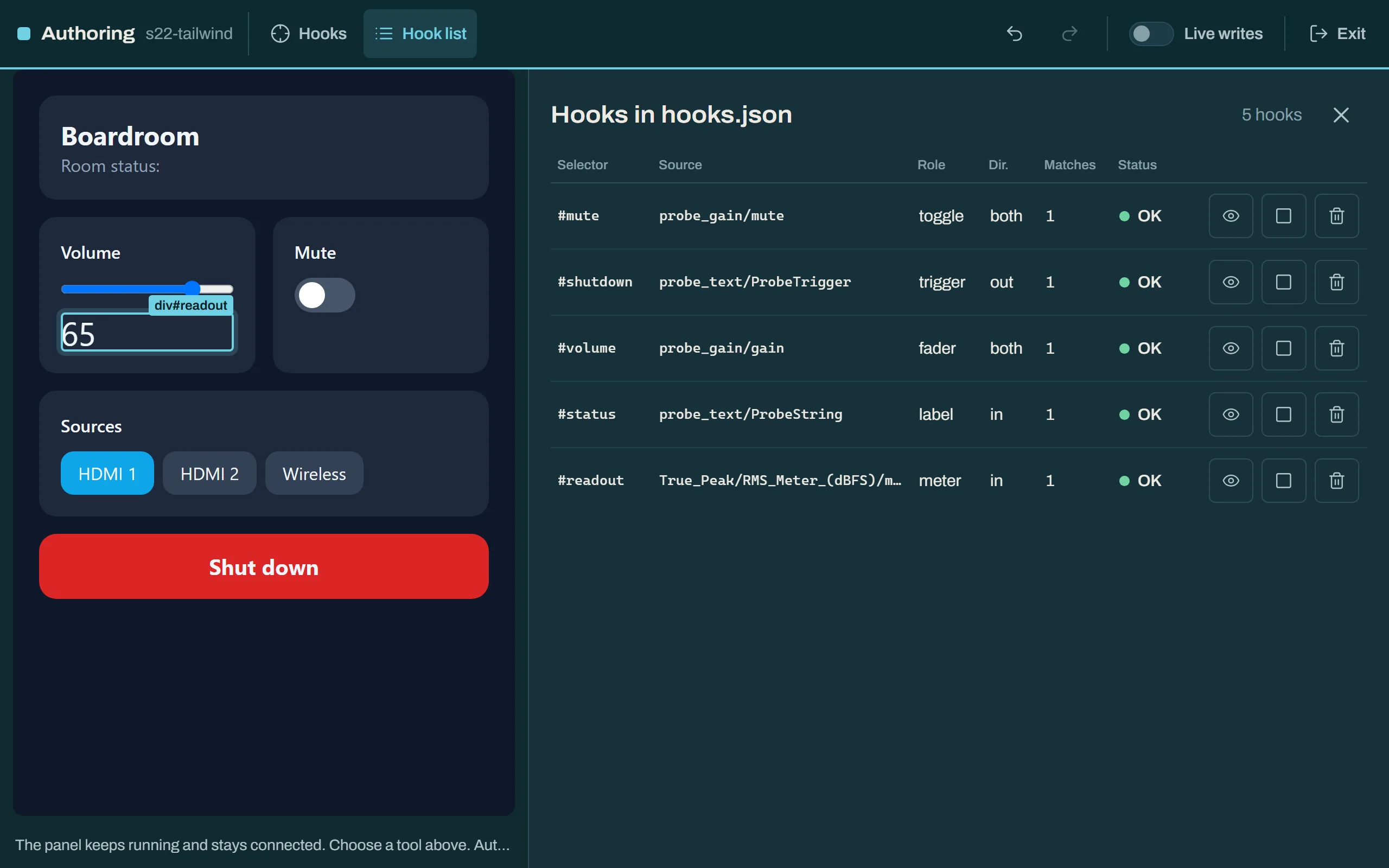
Or bind in the markup
Twelve roles work from attributes alone, with no script on the page: button, toggle, momentary, trigger, fader, knob, meter, label, LED, select, text and page.
<input type="range"
  data-qsys="probe_gain/gain"
  data-qsys-role="fader">
The control's state comes back to the page as attributes and CSS custom properties, so a meter or a lit button is plain CSS.
Any panel you can design, wired to the controls you already have
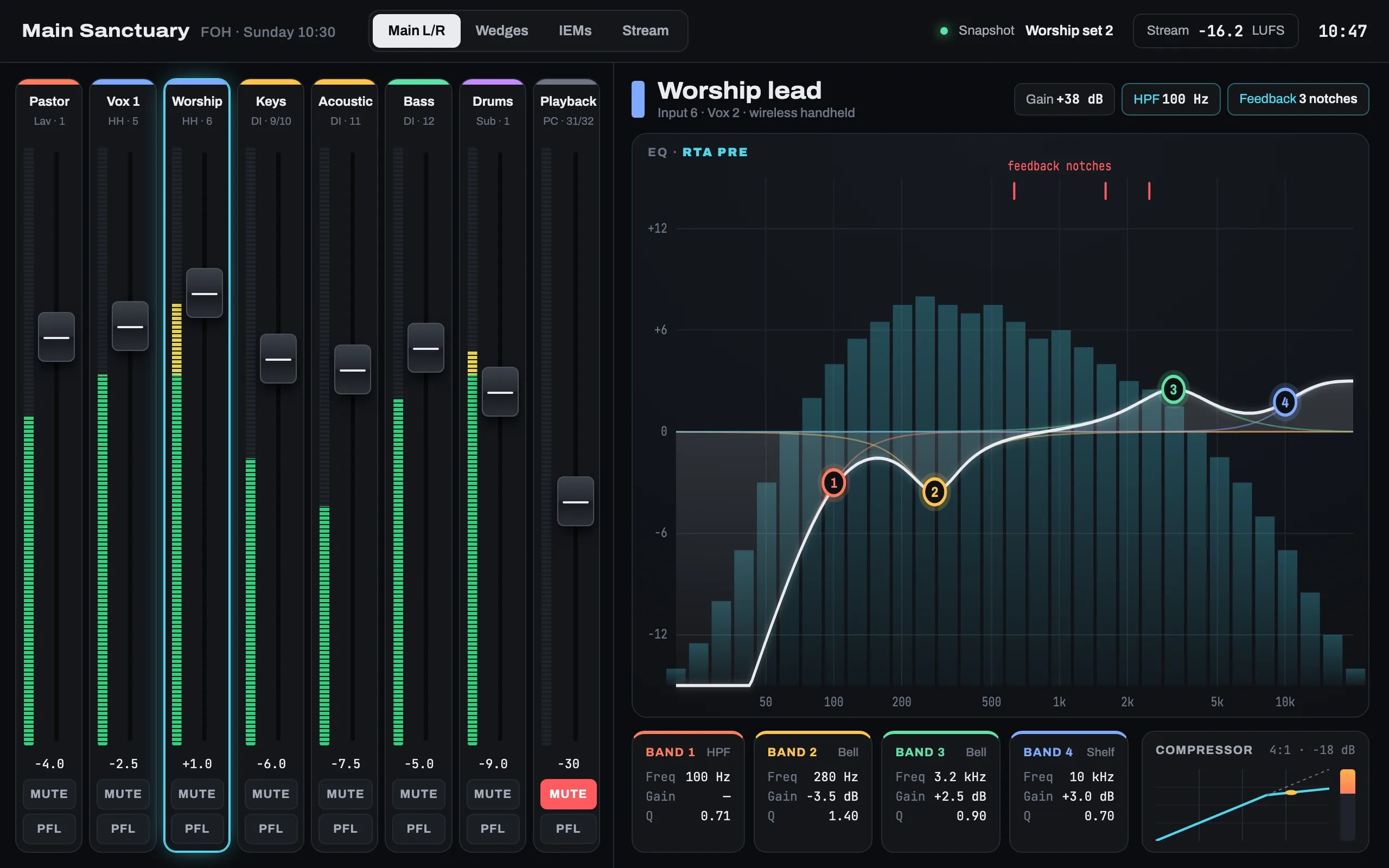
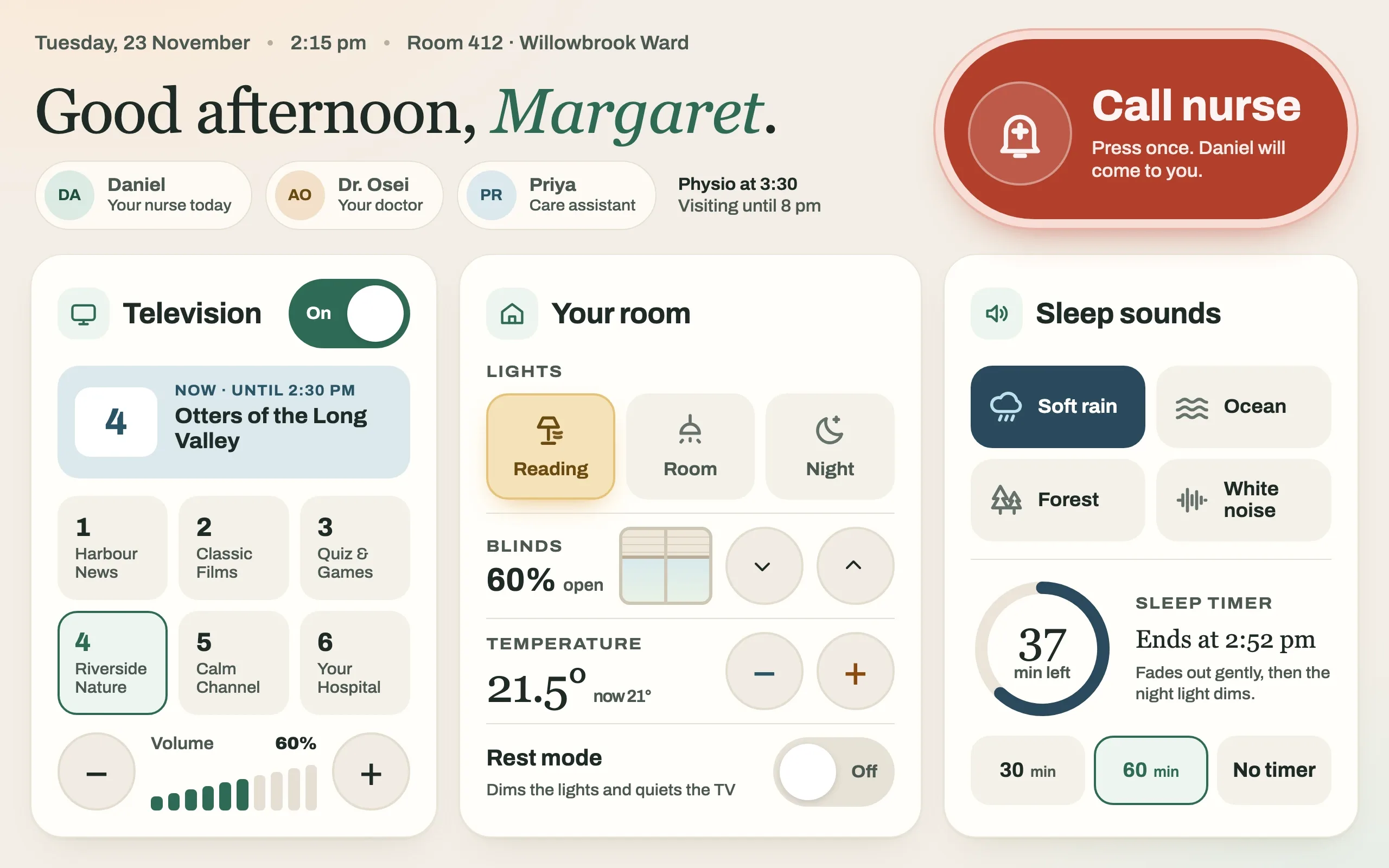
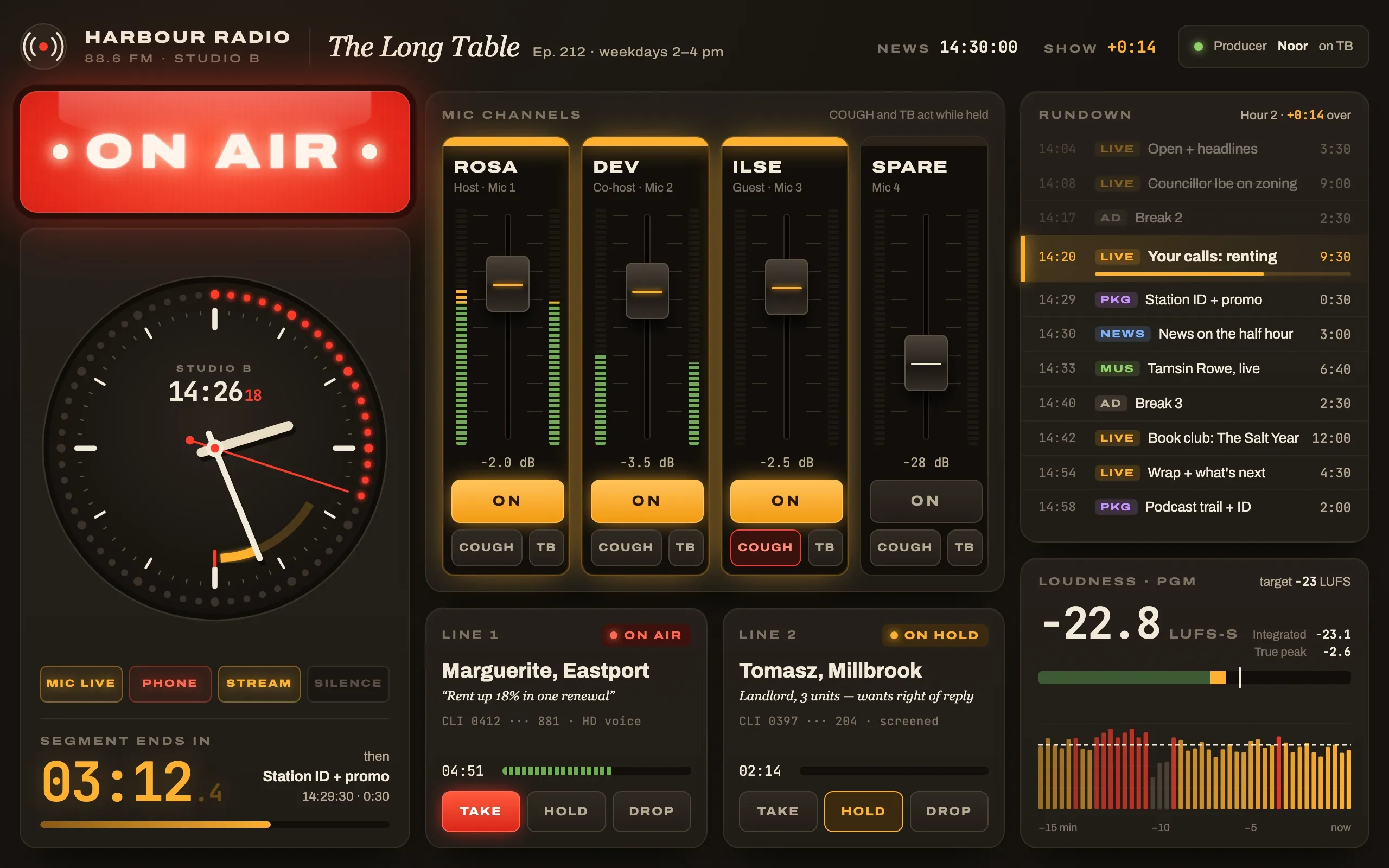
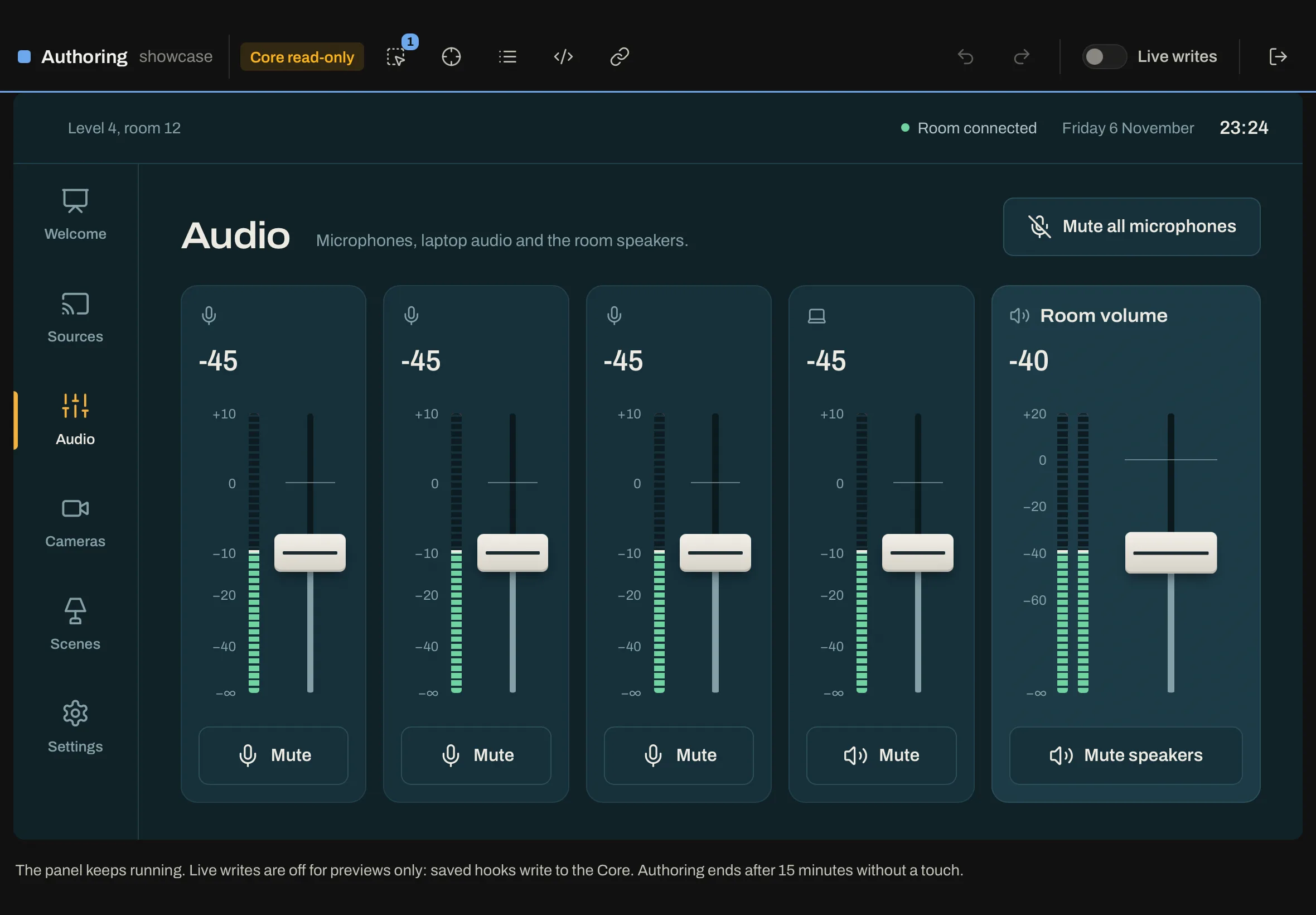
These are example panels made for this gallery, each for an imagined room. Each is an ordinary web page
with its own look, and its buttons, faders, meters and labels are bound with data-qsys
attributes to Q-SYS controls and to outside data.
One page, three systems
- Built and verified: Q-SYS Buttons, faders, meters and labels bind to controls in the running design. Twelve roles need no script.
- Built and verified: Outside data HTTP/JSON, WebSocket, MQTT and local-file data bind like Q-SYS controls. Only hosts you approve are reachable.
- Apple Home In the iPad and iPhone app in development, pages bind HomeKit accessories by their Home names, and a button runs a scene. HomeKit bindings do nothing on Windows.
- n8n Planned: an n8n community package, in development and not published, through which a workflow drives a panel over the Automation API.
- Built and verified
- Built, not yet verified on hardware
- Planned
Beside a Q-SYS Designer UCI
UCI Studio Pro does not replace Q-SYS Designer or the logic in your design.
| What changes | Designer UCI | UCI Studio Pro |
|---|---|---|
| Styling | Styled within the supported Q-SYS CSS subset. Not tested for this comparison. | Built and verified: A Chromium-based engine, Microsoft Edge WebView2. Unmodified test pages that use GSAP, Three.js and Tailwind run in it. |
| Building it | Built in Q-SYS Designer. | Built and verified: A web page: written in any editor, edited on the panel itself, or written by an AI client over MCP. |
| Data beyond the Core | Not compared here. | Built and verified: HTTP, WebSocket, MQTT and local files bind like controls, through a broker that reaches only the hosts you approve. |
| On the Core | Part of the design. | Built and verified: Nothing installed. The app connects over QSC's Remote WebSocket Control API, once that service and Script Access are switched on. |
| Room logic | On the Core. | Built and verified: Still on the Core. Panel scripts are for interface behaviour only. |
| Existing UCIs | Stay as they are. | Not converted. A panel is written as a web page. |
The statement about how a Designer UCI is styled comes from this product's own documents. It has not been tested for this comparison.
- Built and verified
- Built, not yet verified on hardware
- Planned
Verified means recorded as tested in the product's own records: on an x64 Windows test host and a Windows virtual machine, against a Core Nano running firmware 10.5. Nothing has been run on a production touch panel.
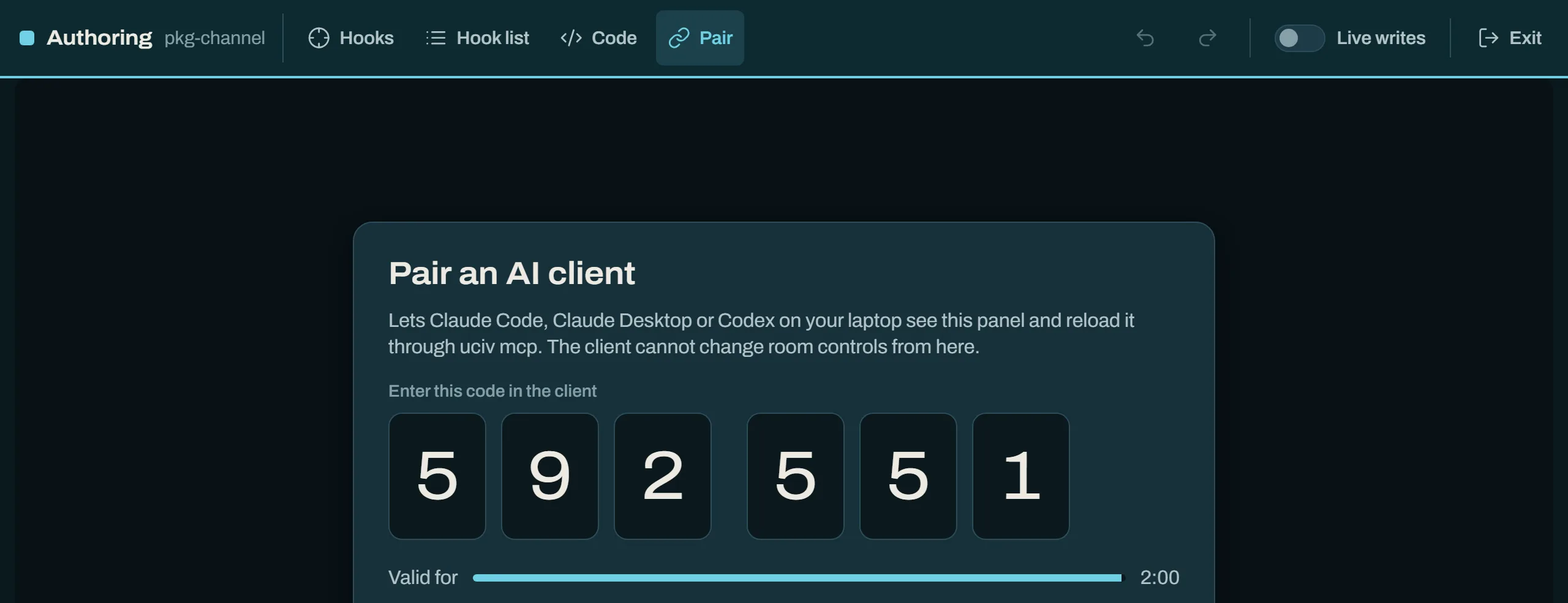
Let an AI client write the panel. The Core stays read-only unless you allow writes.
uciv mcp is a local MCP server for Claude Code, Claude Desktop and Codex. Through it the client
reads the components and controls of your running design, writes the package files, runs lint, and gets
screenshots and console output from the panel.
The work runs in your own client, on the subscription you already have. The app holds no model, needs no API key and makes no model calls.
A live Core is read-only to the client unless you start the server with --allow-control.
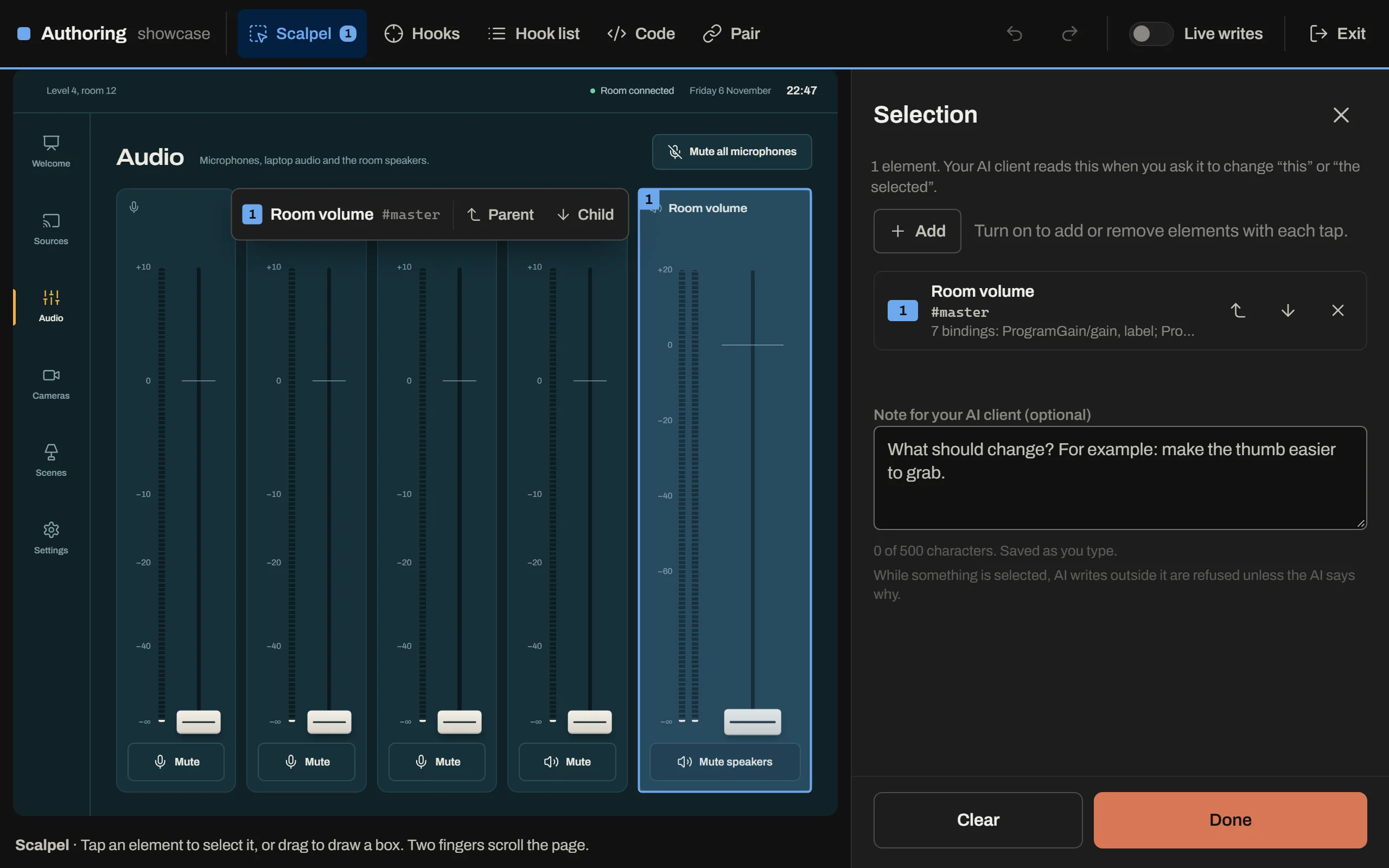
The Scalpel: say where it may write
Select elements on the panel by tapping them or dragging a box. While the panel holds a selection, the server refuses a package write outside it.
A write outside the selection needs a stated reason, and the panel shows that reason until you dismiss it.
The guard covers writes made through uciv mcp. A client that edits the package folder with its
own file tools can write around it.

Register the server in Claude Code
claude mcp add uciv -- uciv mcp --root "$PWD"
Today most of the desktop tools are run from the product repository, which is not public: authoring on a Mac,
registering the server in Claude Desktop, uciv dev and headless previews all need Node 24 and a
checkout. The Windows installer includes a uciv command; that part is built and not yet verified on
Windows.
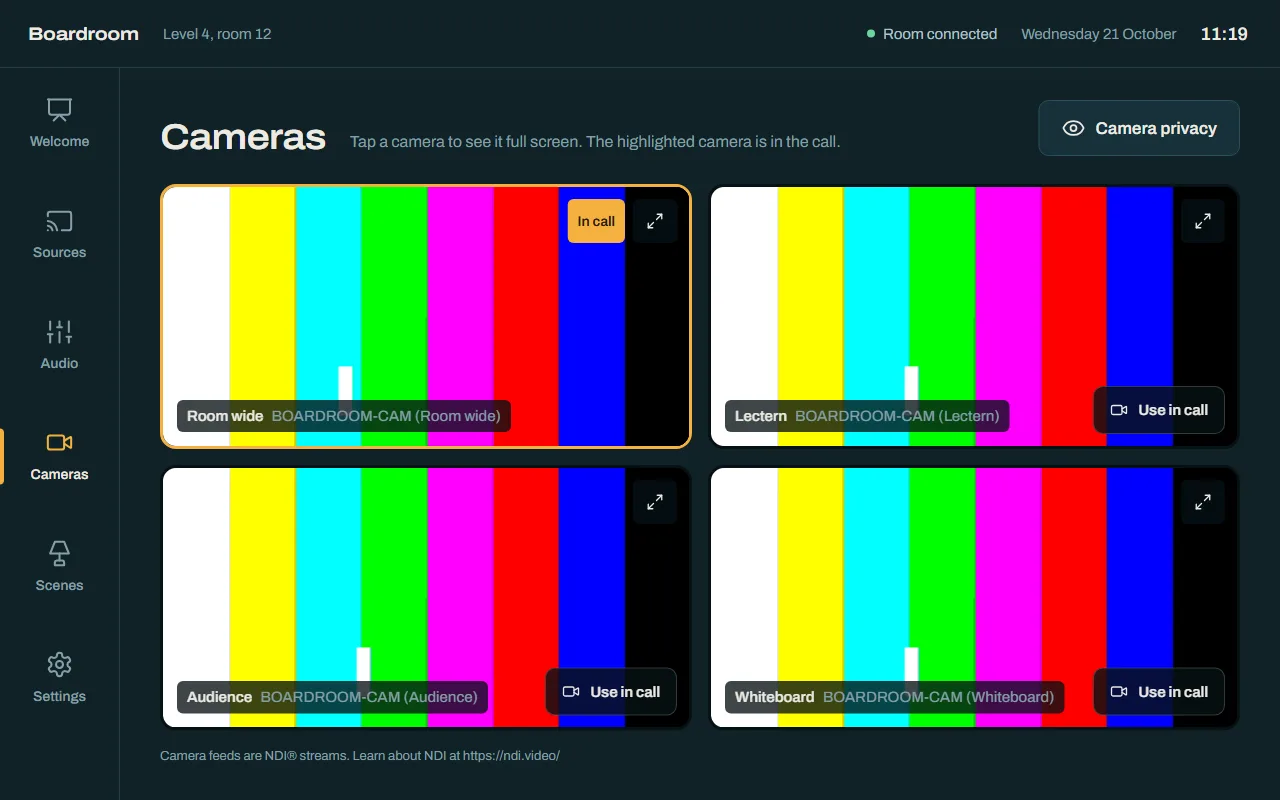
Video is an element in the page
One <qsys-video> element plays every source and is drawn in the page, so CSS transforms and
animation apply to it like any other element.
On x64 Windows it plays NDI® sources, local video files and live HLS. RTSP is built and has run against test servers only: no camera product has played yet. The ARM64 build has no NDI, and which other sources it plays is not settled in the product's records.
Learn about NDI at https://ndi.video/
Video never travels over the control link to the Core.
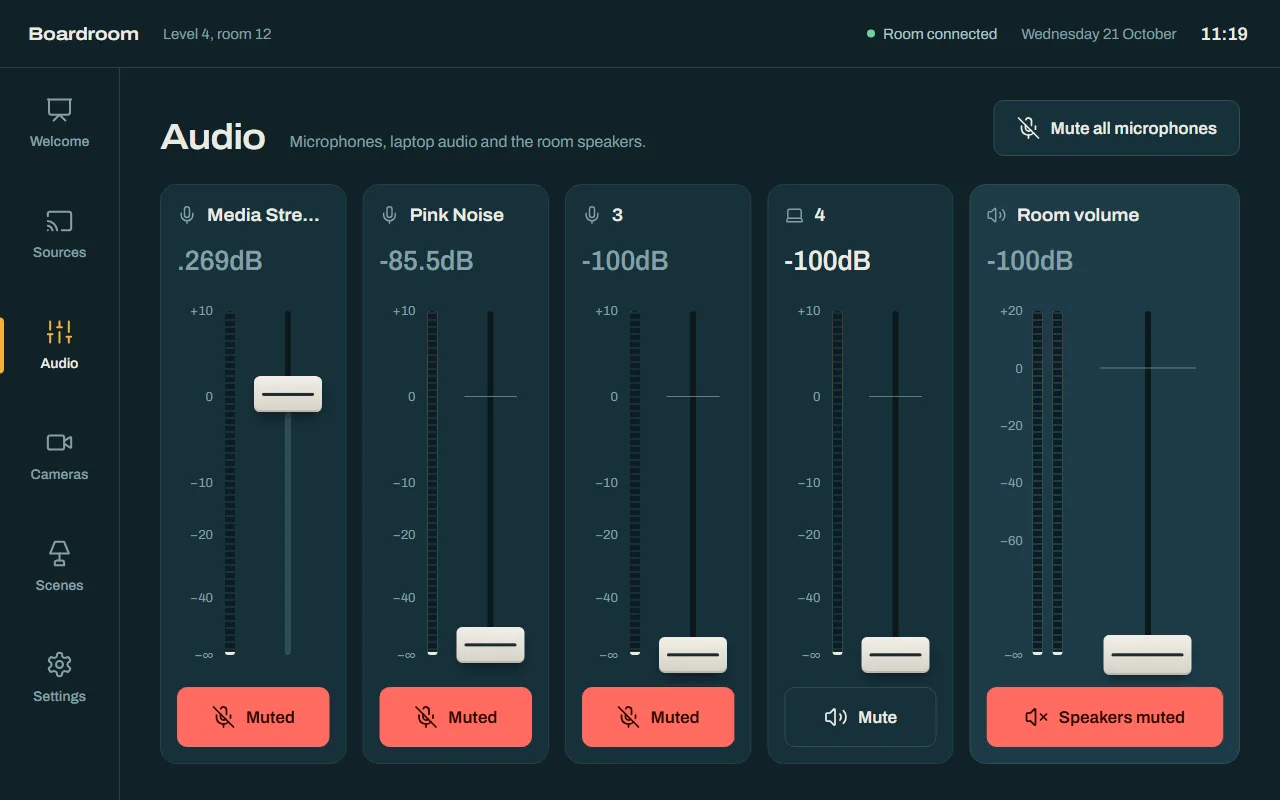
One package for Windows and for the iPad app in development
The iPad and iPhone app in development loads the same package format as the Windows app, with the same three ways to bind.
iPad and iPhone: not yet on the App Store.


The Windows installer is not published yet.
Windows download status