 UCI Studio Pro
 for iPad and iPhone
An iPad and iPhone app that loads the same panels as the Windows app is in development. It has not been released to anyone.
iPad and iPhone: not yet on the App Store.
It is not in public testing either. There is nothing to install today.
What the app in development adds
- Built and verified: HomeKit panels A panel can run with HomeKit only and no Q-SYS Core, or with both.
- Built and verified: HomeKit bindings Pages bind HomeKit accessories by their Home names, read them, follow changes and write them. A button runs a scene.
- Built and verified: HomeKit to Q-SYS A links file joins a HomeKit accessory or scene to a Q-SYS control, one way or both, while the panel is in the foreground.
- Built and verified: HomeKit cameras A HomeKit camera shows in a
<qsys-video>element. At most two stream at once. - Built and verified: HomeKit, measured A change made in the Home app reached the panel in 1.3 seconds median, measured with a HAP accessory.
- Built and verified: Widgets A Home Screen widget shows up to four controls and can switch or press them.
- Built and verified: Shortcuts from a page A page button runs a shortcut named on the panel's allowlist.
- Built, not yet verified on hardware: Shortcuts actions Actions for the Shortcuts app that set, get and press Q-SYS controls, switch package and run a HomeKit scene. Off by default, and limited to an allowlist.
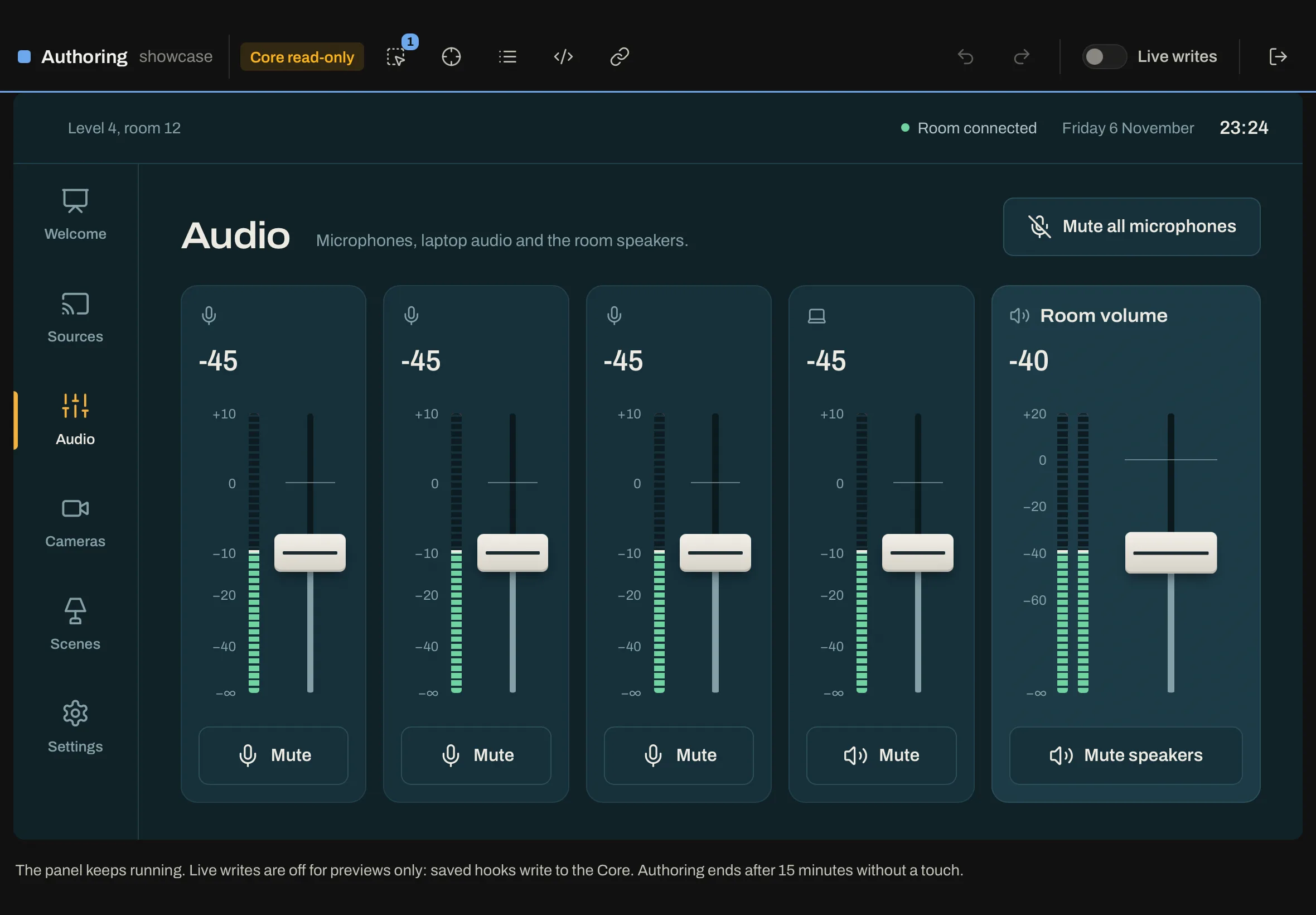
- Built, not yet verified on hardware: Layouts for iPad and iPhone The showcase panel lays itself out for iPad landscape, iPad portrait, and a folding iPhone closed and open. Checked in the Simulator.
- Layout checks
uciv layoutreports interactive elements that sit across a folding iPhone's fold, anduciv prompt --target iosgives an AI assistant the layout rules for each device class. Both are desktop commands, run today from the product's source tree. - Devices it has run on An iPad Air 11-inch (M3), an iPhone Duo and an iPhone 16 Pro Max. Other iPhone models are not verified.
- Built and verified: System version Requires iOS 27 or iPadOS 27.
- Foreground only The panel does not run in the background, and iOS cannot start the app by itself: after a restart someone opens it.
- Built and verified: No Windows equivalent HomeKit and Shortcuts features exist in the iPad and iPhone app only.
- Built and verified
- Built, not yet verified on hardware
- Planned
Verified means checked on a physical iPad or iPhone in a development build, or for a desktop command, run on the desktop. The app has not been released.
Planned App Store purchases
The iPad and iPhone tiers are planned as one-time purchases in the App Store: Free, Home at $39.99 and Commercial at $299.99. The tier design is a draft and no App Store price is set.
- Free Planned: every authoring tool, 3 live Q-SYS controls per Core design, 3 other live endpoints and 1 video player.
- Home Planned: unlimited HomeKit, shortcut and data endpoints and video players. Q-SYS controls stay at 3.
- Commercial Planned: unlimited Q-SYS controls, the provisioning lock and the Automation API.
- Built and verified
- Built, not yet verified on hardware
- Planned
A Windows licence will not unlock the iPad and iPhone app, and an App Store purchase will not unlock the Windows app. They are separate purchases.